 Skip to content
Browser game · Casual
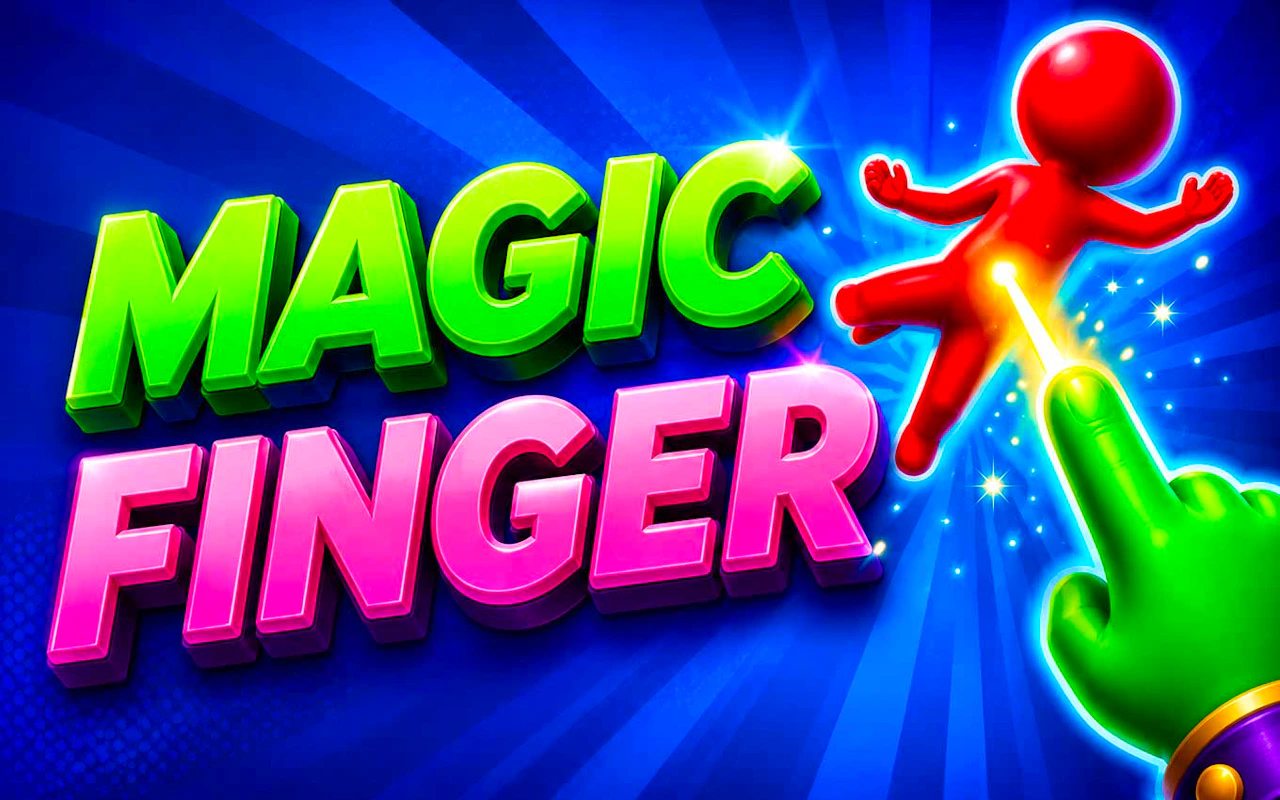
Magic Finger 3D
4.7Flick and fling things around to defeat alien invaders.
- Mobile + Desktop
- Touch + Keyboard
- Category
- Casual
- Score
- 4.7
- Device
- Mobile + Desktop
- Access
- Free Play
- Controls
- Touch + Keyboard
- Type
- HTML5 Game
The guide
Overview
Start with simple levels and use your surroundings creatively as the challenges grow. Attacks take planning, and you can strengthen your powers along the way. It's built for portrait, so a phone held upright suits it.
What it's like to play
There is no wrong way to play a casual game. You might finish a stage in forty seconds or wander around tapping things for ten minutes. The objective is light, the colors are warm, and failure is met with a gentle try again rather than a game over. Sessions blur into each other pleasantly. You look up and some time has gone by and nothing bad has happened.
Controls
- Tap, hold and swipe on phones and tablets
- Mouse or trackpad on a computer; arrow keys or WASD where the game asks for movement
- Press Escape or the exit button to leave the full-screen player
How to play
- 1Tap the Play button and wait for the first prompt; casual games usually point at exactly what to touch first.
- 2Swipe to move items, tap to select or pop them, and watch for the little celebration that confirms a correct move.
- 3Keep an eye on any counter at the top, such as moves left or a target score, and plan your last few moves around it.
- 4If a stage feels tedious, exit to the menu. Most casual games let you replay any stage you have reached.
Features
- Free to play, nothing to install, no account needed
- Loads in the browser tab and opens full screen when you press Play
- Designed for a phone held upright
- Touch controls on phones and tablets, mouse and keyboard on a computer
- Listed under Casual
Why it's worth a go
Because not every game should feel like work. Magic Finger 3D asks for a few relaxed minutes and gives back a small, tidy sense of completion. Free, no download, no account, and it holds up equally well on a phone or a desktop browser. It is the easiest kind of break.
Who it's for
Suits nearly everyone from young children to grandparents. It is a good choice for people who find most games too noisy or too demanding, and for anyone who just wants something pleasant to look at.
FAQs
Will Magic Finger 3D remember which stage I reached?
Usually, as long as you come back in the same browser on the same device. Progress sits in browser storage rather than an account, so it does not sync.
Is there anything to buy?
No. Everything on this site is free to play in the browser. If the game shows a shop, it uses in-game currency you earn by playing.
Can I play with sound off?
Yes. Casual games rely on visual cues, so muting the tab or using the in-game sound toggle will not get in your way.